Playing Browser Games on Your Phone: Tips for Better Controls
Most browser games work on a phone, but not all of them feel good there. A few small choices can make the difference between a smooth session and a frustrating one.
Match the screen orientation
Some games are designed for a tall, portrait screen and others for a wide, landscape one. If a game looks tiny or cut off, rotate your phone and reload the page. Several games on this site, such as Dream Mania, Carrot Climber, Tumble Boat, Tap to Fish, Swing Hero and Parking Polly Cars, are built for portrait screens, so hold your phone upright for those.
Know your controls
On a phone, a click becomes a tap and mouse dragging becomes swiping. Carrot Climber, for example, asks you to touch and drag to aim and then lift your finger to jump. Reading the controls on the game's page before you start saves a lot of trial and error.
Use a steady grip
Rest the phone against something or hold it with both hands, and keep your thumbs clear of the part of the screen you need to see. In fast games, a steady grip improves your accuracy more than you might expect.
Prepare your phone
Close other apps, use Wi-Fi if you can, and make sure your battery is not in a strict power-saving mode, which can slow down 3D games. If a game stutters, restarting the browser often helps.
Keep the screen clean and bright
Fingerprints and glare can hide small details. Wipe the screen and raise the brightness, especially if you play outdoors.
Some games work better on a computer
Developers mark certain games as not ready for mobile. Jungle Fight, Stunt Planes, Riders Downhill Racing, Punching Excavator and The Racing Crew are listed this way, and several of them rely on keyboard controls. For these, a computer with a keyboard is the safest choice. Each game page on this site tells you what to expect.
When a game will not respond
If taps do nothing, reload the page, switch the orientation, or try another browser. Our guide on fixing games that will not load covers the most common causes.
Games that suit a phone
Tap to Fish, Swing Hero and Parking Polly Cars use simple touch controls and short sessions, which makes them a good place to start.
Games mentioned in this article
 Carrot ClimberArcade & Casual
 Parking Polly CarsRacing & Sports
 Swing HeroAction & Adventure
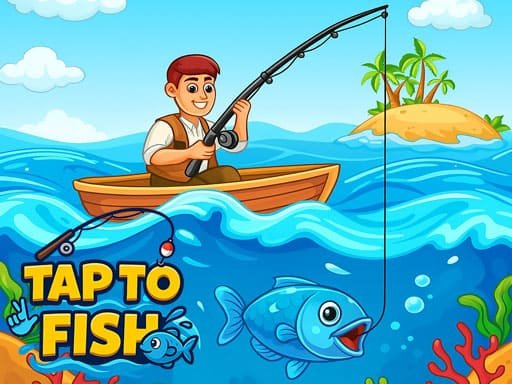 Tap to FishArcade & Casual