Browser Game Not Loading? 8 Fixes That Usually Work
You open a game and all you see is a black rectangle, or the loading bar stops halfway. Browser games depend on your connection, your browser and your device, so the cause is usually easy to find. Work through the steps below in order and stop when the game starts.
1. Check your connection
HTML5 games download their files when you open the page. On a weak or unstable connection that download can stall. Switch between Wi-Fi and mobile data, move closer to the router, then reload the page.
2. Reload the page properly
A normal reload sometimes keeps a broken copy of the game in the cache. Press Ctrl+Shift+R (Cmd+Shift+R on a Mac) to force a fresh load. On a phone, close the tab completely and open the page again.
3. Pause your ad blocker for the page
Some blockers also stop scripts that the game needs, or the short advertisement that runs before it. Allow the page for a minute and reload. If the game starts, you know the blocker was the cause.
4. Try another browser
Chrome, Edge, Firefox and Safari handle graphics a little differently. If a game fails in one, test it in another, and make sure your browser is up to date.
5. Close heavy tabs and apps
3D games use a lot of memory. Close video tabs, large web apps and background programs, then try again. On phones, close other apps and free up some storage.
6. Turn on hardware acceleration
Most browsers have a setting that lets the graphics chip help draw the page. It is usually on by default, but if it was turned off, 3D games can stutter badly. Look for it in the browser's system or performance settings.
7. Clear the site data
Old saved data can confuse a game. Clear cookies and cached files for the site in your browser settings, then reload. Note that this can reset any progress the game stored on your device.
8. Check the screen size and orientation
Some games are built for a tall phone screen and others for a wide one. If the game looks cut off, rotate your device or resize the window, then reload.
Still stuck?
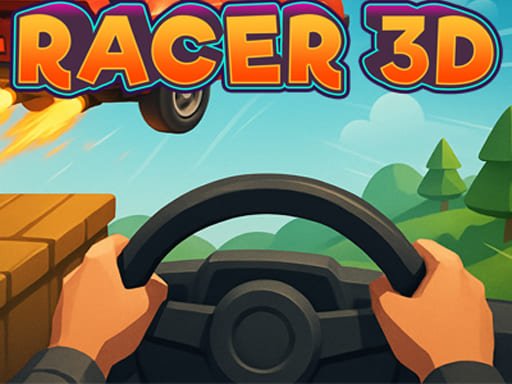
Sometimes the problem is on the developer's server and only time fixes it. Try again later, or contact us with the game name, your device and your browser, and we will take a look. If you want to test your setup, a 3D title such as Turbo Racer 3D is a good stress test, because it asks more of your device than a simple puzzle game does.